Buying Guides

IPTV Internet Speed Requirements: How Many Mbps Do You Need?

IPTV internet speed requirements are simple: about 10 Mbps for HD and 25 Mbps for 4K per stream. Learn how to test your speed and fix buffering before game night.
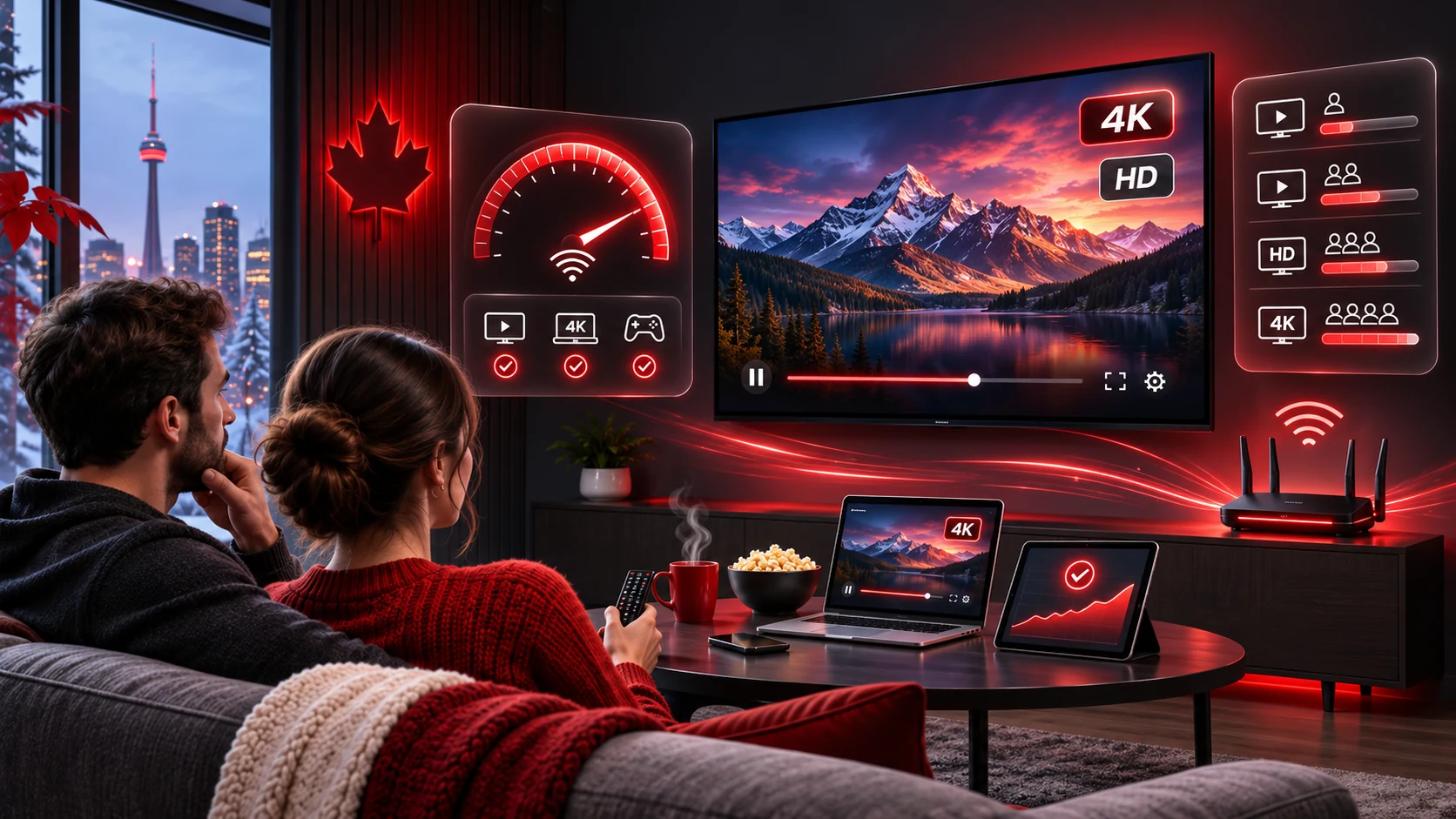
IPTV internet speed requirements for HD and 4K streaming

By the IPTV Canada Officiel team · Updated November 2026 · 3 min read

What Are the IPTV Internet Speed Requirements?

For smooth viewing, plan on about 10 Mbps for each HD stream and about 25 Mbps for each 4K stream, plus extra capacity for other people using your network. Standard-definition channels need less, around 3 to 5 Mbps. These numbers are approximate, because the exact bit rate depends on the channel and how it is encoded. The Wikipedia article on bit rate explains why.

Speed Guide by Picture Quality

Internet speed needed per stream
QualityPer streamGood for
SDAbout 3 to 5 MbpsOlder channels and phones
HD (720p/1080p)About 6 to 10 MbpsMost live channels
4K / UHDAbout 20 to 25 MbpsPremium 4K channels and movies

How to Test Your Speed

  1. Connect the device you will use to the same network.
  2. Open a speed test such as Speedtest by Ookla.
  3. Run it two or three times, including in the evening.
  4. Compare the download result to the table above, multiplied by the number of screens that will stream at once.

How Many Screens Can Your Connection Handle?

Add up the streams. A household with two HD televisions and one 4K television needs roughly 10 + 10 + 25 = 45 Mbps for streaming alone. Add 10 to 20 Mbps for browsing and calls. If your plan with your internet provider offers less, reduce the quality or the number of simultaneous screens.

Wired vs Wi-Fi

A wired Ethernet connection is the most reliable way to stream live TV. Wi-Fi works well when the signal is strong. Use the 5 GHz band for short distances and speed, and the 2.4 GHz band for range. Walls, microwaves and neighbours’ networks can all cause trouble.

8 Ways to Fix Buffering

  1. Switch to Ethernet.
  2. Move the router closer or higher.
  3. Use the 5 GHz band.
  4. Restart the router and the device.
  5. Close other apps and pause downloads.
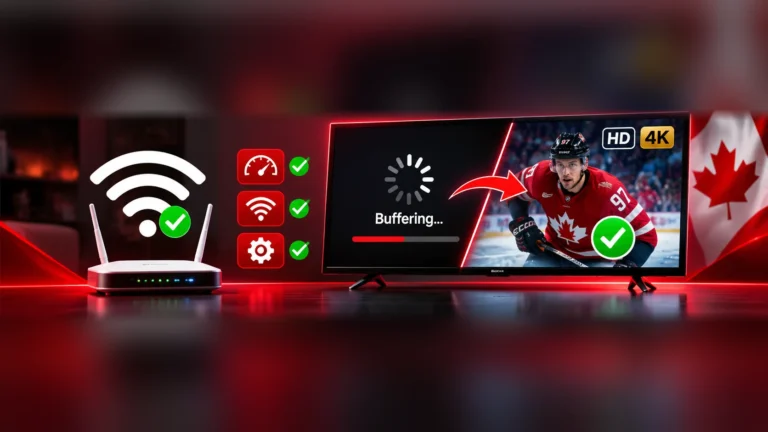
  6. Lower the video quality in the player app.
  7. Update the player app and device.
  8. Ask your internet provider about congestion or a plan upgrade.

Next Steps

Once your connection is ready, follow the setup guide for your device, or start a free trial to test at home. Compare tiers on the plans page.

Understanding Mbps in Everyday Terms

Mbps stands for megabits per second, a measure of how much data your connection can move each second. A fast-moving sports broadcast needs more data than a slow talk show, so streams vary.

When your provider says your plan is 100 Mbps, that is the maximum shared by every device on your network. If three people are streaming and another is on a video call, each uses a share of that total.

Download vs upload speed

Streaming uses download speed. Upload speed matters mostly for video calls and sending large files. When you run a speed test, focus on the download number, but also look at latency, sometimes shown as ping. High latency can cause slow channel changes even when the download speed looks fine.

Why speeds vary through the day

Evenings are the busiest time on residential networks. Your speed at 3 p.m. might look much better than at 8 p.m. For that reason, test at the time you plan to watch. If the evening result is much lower than the daytime one, talk to your internet provider or consider a different plan.

Equipment that helps

  • A modern router that supports 5 GHz Wi-Fi.
  • Ethernet cables of good quality, such as Cat 5e or Cat 6.
  • Mesh Wi-Fi if your home is large.
  • Powerline adapters when you cannot run cables.

For hardware suggestions, see the guide to the IPTV box and the Firestick setup.

Keep reading

More Guides From Our Blog

Key Takeaways: Iptv internet speed requirements

  • This page answers the question behind “iptv internet speed requirements” in plain language, without jargon.
  • Everything we say about “iptv internet speed requirements” is based on how the service really works for our customers.
  • If “iptv internet speed requirements” is your starting point, begin with the first section and work down the page.
  • Our advice on “iptv internet speed requirements” stays current: we revise this page when prices, apps or menus change.
  • Questions about “iptv internet speed requirements” are welcome on WhatsApp and by email, and a real person replies.
  • For “iptv internet speed requirements”, the key facts are the price in Canadian dollars, the devices supported and the guarantee.

The short version of “iptv internet speed requirements”: pick a plan, pay once, receive your login and start watching in minutes. If you remember one thing about “iptv internet speed requirements”, make it this: test first, then choose the plan that fits your home. Whether you are new to “iptv internet speed requirements” or have done it before, the tips on this page save time.

We review our “iptv internet speed requirements” content regularly so that you can rely on it. Thank you for reading about “iptv internet speed requirements”; we hope it helped you decide with confidence. Still have a question about “iptv internet speed requirements”? Send us a message and we will answer it.

Further reading and trusted resources

If you would like to learn more, these independent sources explain the technology and the topics covered on this page.

FAQ

Quick answers

How many Mbps do I need for IPTV?

About 10 Mbps for HD and 25 Mbps for 4K per stream.

Does Wi-Fi work for IPTV?

Yes, if the signal is strong. A wired connection is more reliable.

Why does my stream buffer?

Usually because of a weak or congested network. See the eight fixes above.

Ready to watch without cable?

Pick a plan or test a free 24-hour trial and be streaming within minutes.

Join the discussion

Your email address will not be published. Comments are reviewed before they appear.