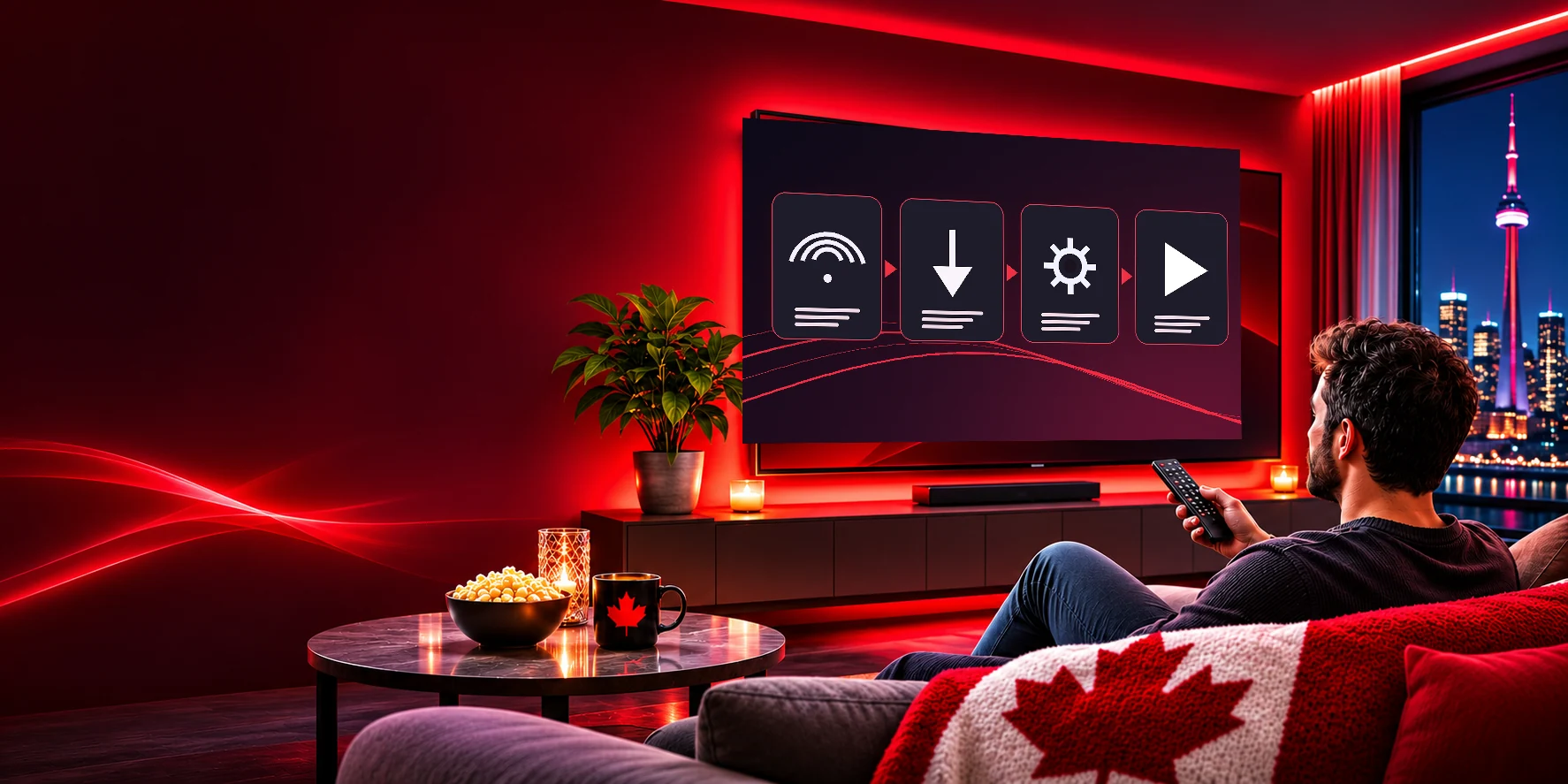
How Do I Get IPTV Up and Running at Home?
If you are asking yourself how do I get IPTV working on my television, the short answer is that it takes three things: a plan, a player app and a screen. You do not need a technician, a satellite dish or a new cable box. IPTV streams live television over the internet connection you already pay for, and the same login works on almost every modern device.
This hub explains the whole process from start to finish and links to a detailed guide for each device. Whether you own a Fire TV Stick, an Android box, a Samsung or LG television, an Apple TV, a Roku, a computer, a phone or a MAG box, you will find the steps below.
Step 1: Choose a plan
Open the plans page and pick Standard or Premium, then 1, 3, 6 or 12 months. Standard suits HD screens. Premium adds 4K, a larger on-demand library and privacy protection. If you would like to try first, request a free trial — no payment required.
Step 2: Complete checkout and pay by Interac e-Transfer
At checkout, enter your name, email and phone number, choose your channel package and number of devices, and tick the device types you use. If you own a MAG box, tick it and enter the MAC address from the label. Then send the Interac e-Transfer shown on the confirmation page. In the message, write only your order number or full name.
Step 3: Receive your login
As soon as the transfer arrives, we send your login details by email. For MAG boxes, we send the portal URL instead. Check your spam folder if nothing arrives within a few minutes, and message us on WhatsApp or email if you need help.
Step 4: Install a player app
A player app is a free program that displays the channels. Each device has its own recommended apps, and the device guides explain exactly where to find them and how to enter your login. On a Fire TV Stick, for example, you install the app with a free downloader tool. On an Apple TV, you install it from the App Store.
Step 5: Watch
Open the app, sign in, wait a moment for the channel list to load, and press play. Add your favourite channels to Favourites so they are always one click away.