Troubleshooting
IPTV Buffering Fix
IPTV buffering fix in 10 easy steps: test your speed, switch to Ethernet, restart your devices and more. Stop freezing and enjoy a smooth…
Read the article IPTV Buffering Fix→Buying Guides
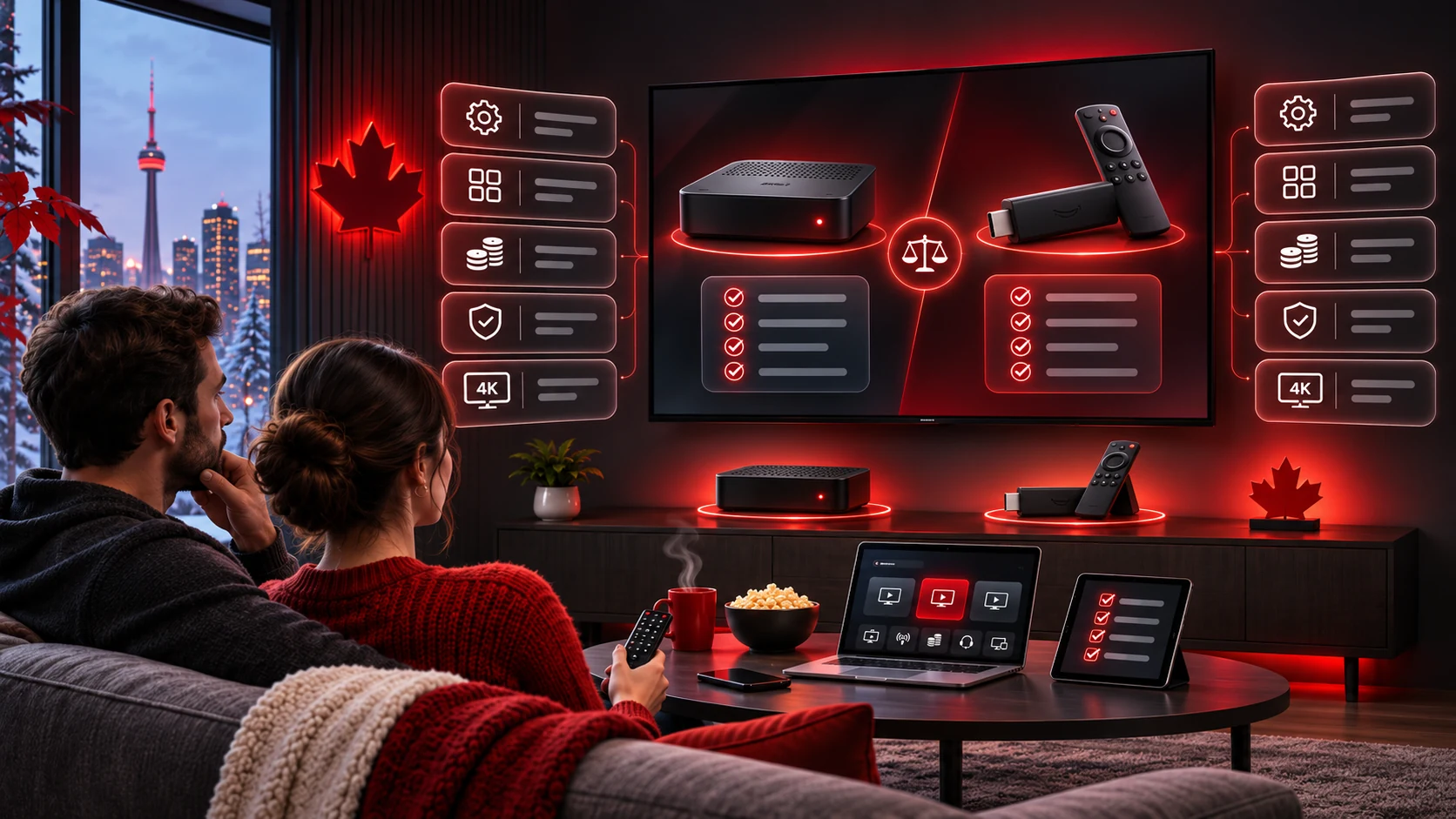
MAG box vs Firestick IPTV: which one should you use? Compare setup, price, speed, apps and reliability to choose the right device for your home.
By the IPTV Canada Officiel team · Updated November 2026 · 3 min read
A Firestick is the better choice for most people because it is cheap, flexible and easy to replace. A MAG box is the better choice if you already own one or want a simple, dedicated device that rarely needs attention. Both work well with IPTV Canada Officiel.
| Feature | Firestick | MAG box |
|---|---|---|
| Typical price | Low | Medium to high |
| Setup | Install a player app, sign in | Enter a portal URL after MAC activation |
| Login method | Server URL, username, password | MAC address and portal URL |
| 4K support | Stick 4K and Cube models | Depends on the model |
| App choice | Many player apps | Built-in portal only |
| Updates | Automatic through Fire OS | Firmware updates from the maker |
| Best for | Most households and travel | Existing MAG owners, simple setups |
See the full Firestick setup guide.
Read the MAG box setup guide to see how activation by MAC address works.
You are buying new, want 4K, plan to use more than one device or like trying different apps.
You already own one, you prefer a dedicated device or you want to set it up once and forget it.
Many customers use a MAG box on the main TV and a Firestick in a bedroom or for travel. Choose two devices at checkout, and each will have its own activation. Compare the options on the plans page.
Both devices are reliable when connected by Ethernet or a strong 5 GHz Wi-Fi network. Firesticks can slow down if storage fills up, so remove unused apps. MAG boxes can show portal errors if a MAC address is mistyped, so double-check it at checkout. In both cases, our team can help on WhatsApp or email.
A family with one main television and two bedrooms often chooses a Firestick for each room. The cost is low, the setup is the same on each device and the family can move a stick to a holiday home when needed. They order three devices at checkout and use one login across all of them.
Someone who has used the same MAG box for years may see no reason to change. It works, it is quiet and the remote is familiar. They simply send us the MAC address, we activate it and they paste the portal URL. If they later add a bedroom TV, a Firestick is an easy second device.
For travel, a Firestick wins. It fits in a pocket, plugs into any hotel television with an HDMI port and needs only Wi-Fi. A MAG box is better left at home.
Still unsure? Read the setup hub, or ask us which device fits your home.
Keep reading

Troubleshooting
IPTV buffering fix in 10 easy steps: test your speed, switch to Ethernet, restart your devices and more. Stop freezing and enjoy a smooth…
Read the article IPTV Buffering Fix→
Sports Schedules
NFL schedule this week with every game for the next 7 days in Eastern Time, plus easy ways to watch football in Canada without…
Read the article NFL Schedule This Week→
Sports Schedules
NBA schedule this week with every game for the next 7 days in Eastern Time, plus easy ways to watch basketball in Canada without…
Read the article NBA Schedule This Week→The short version of “mag box vs firestick iptv”: pick a plan, pay once, receive your login and start watching in minutes. If you remember one thing about “mag box vs firestick iptv”, make it this: test first, then choose the plan that fits your home. Whether you are new to “mag box vs firestick iptv” or have done it before, the tips on this page save time.
We review our “mag box vs firestick iptv” content regularly so that you can rely on it. Thank you for reading about “mag box vs firestick iptv”; we hope it helped you decide with confidence. Still have a question about “mag box vs firestick iptv”? Send us a message and we will answer it.
Continue exploring this topic with these guides and pages.
If you would like to learn more, these independent sources explain the technology and the topics covered on this page.
FAQ
Not always. A MAG box is simple and stable, while a Firestick is cheaper and more flexible.
Yes, if you order two devices at checkout.
The Fire TV Stick 4K and Cube do. Some MAG models do too, so check your model.
Pick a plan or test a free 24-hour trial and be streaming within minutes.